Today, I am going to show you, How to use google fonts on your websites. Fonts are playing the main role when it comes to User Experience. In this tutorial. I am going to show you, how google fonts work and how you can easily integrate into your HTML, CSS Or Reactjs websites.
what is the difference without google fonts and with google fonts?
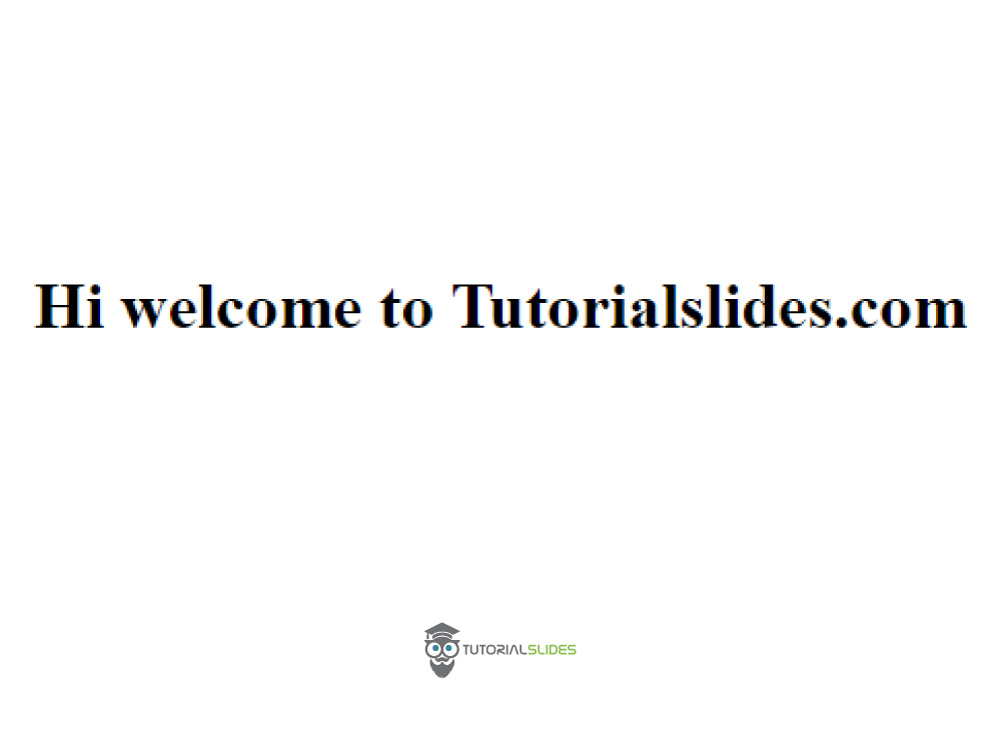
1.Without Google fonts
Welcome to Tutorialslides.com
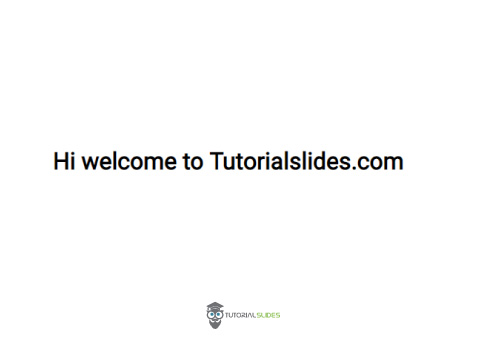
Hi welcome to Tutorialslides.com
Output
2.With Google fonts
Welcome to Tutorialslides.com
Hi welcome to Tutorialslides.com
Output
How to integrate single font from google fonts step by step tutorial?
Step 1
Go to https://fonts.google.com
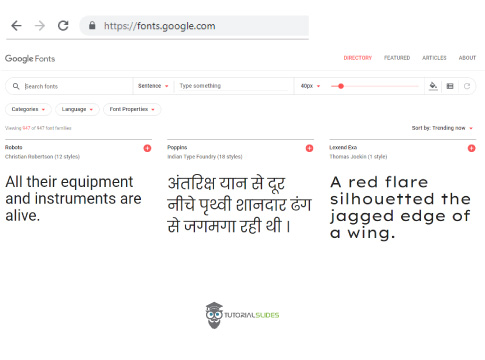
Step 2
Select a Google font, Here I am selecting Roboto Font.
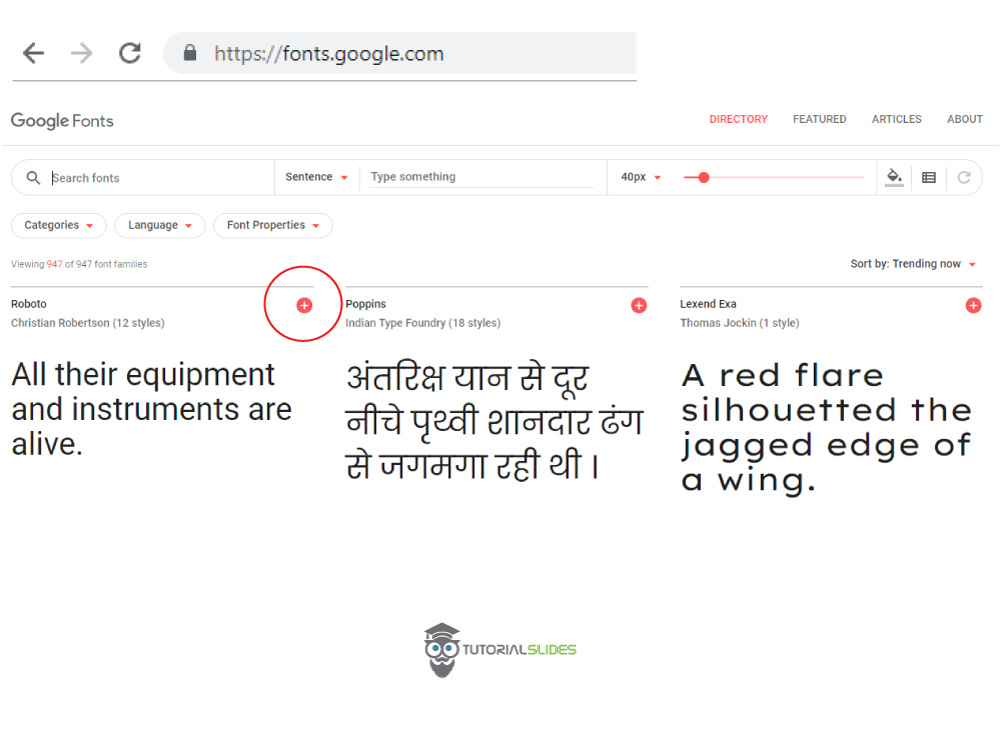
Step 3
Select a Google font, Here I am selecting Roboto Font.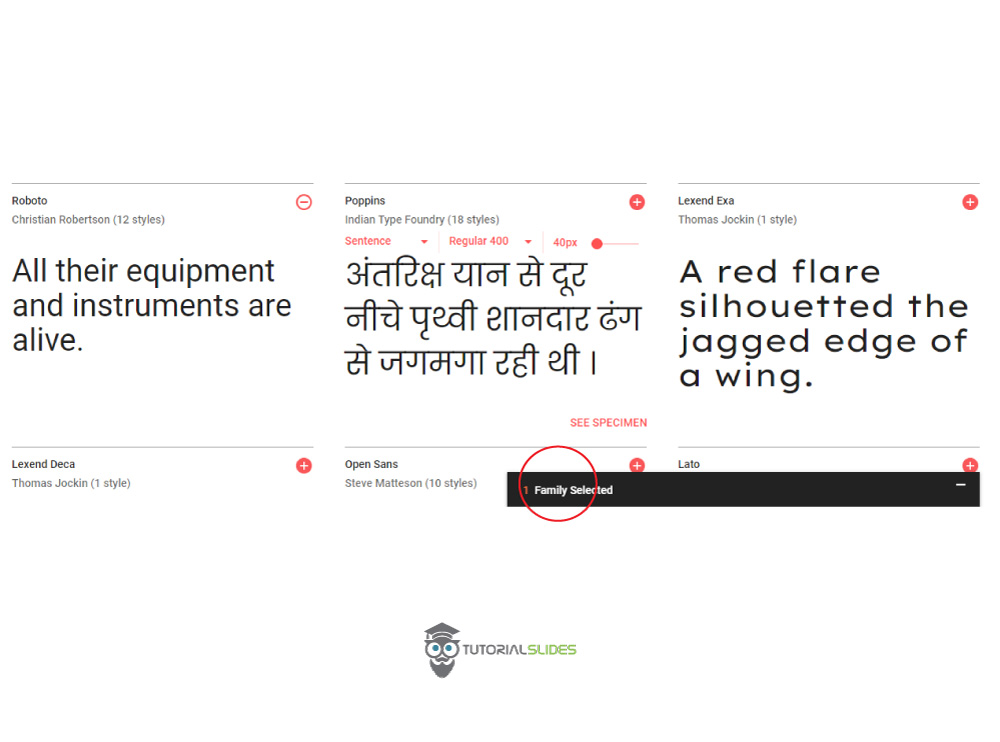
Step 4
Click Family selected tab.
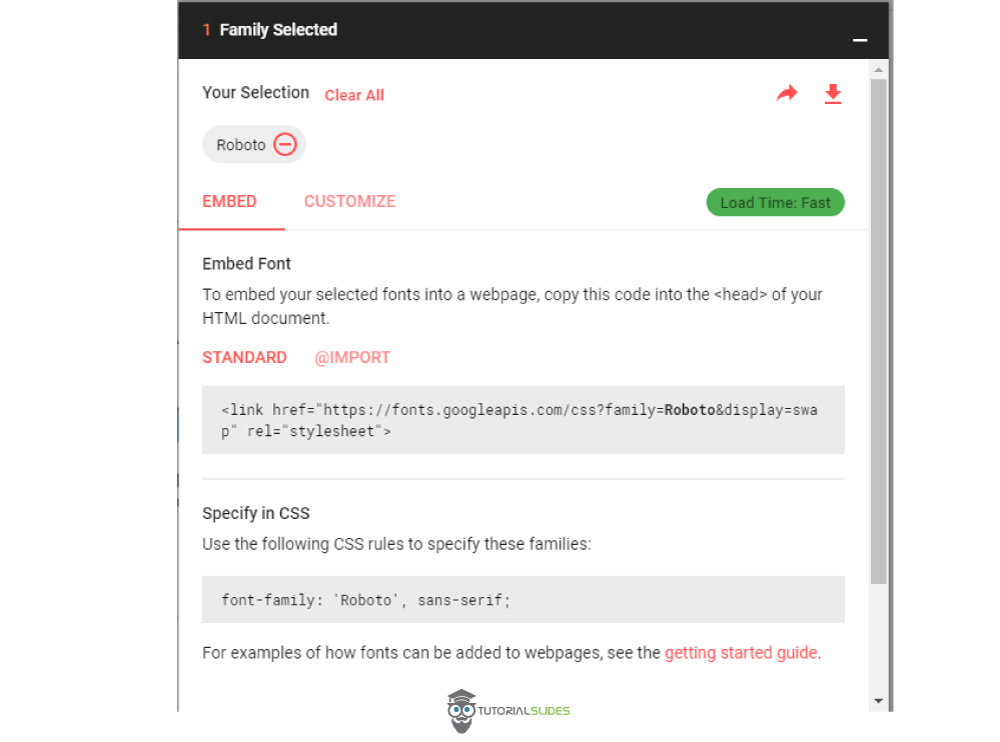
Step 5
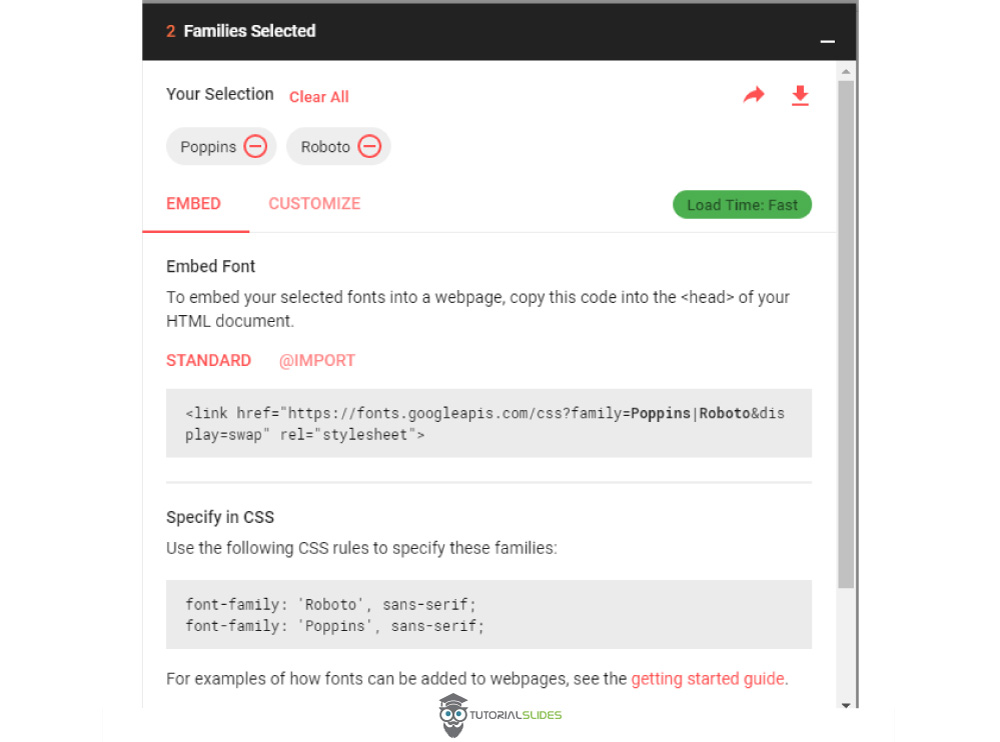
Now copy the code and paste it on your HTML and CSS code Like given below.
Welcome to Tutorialslides.com
Hi welcome to Tutorialslides.com
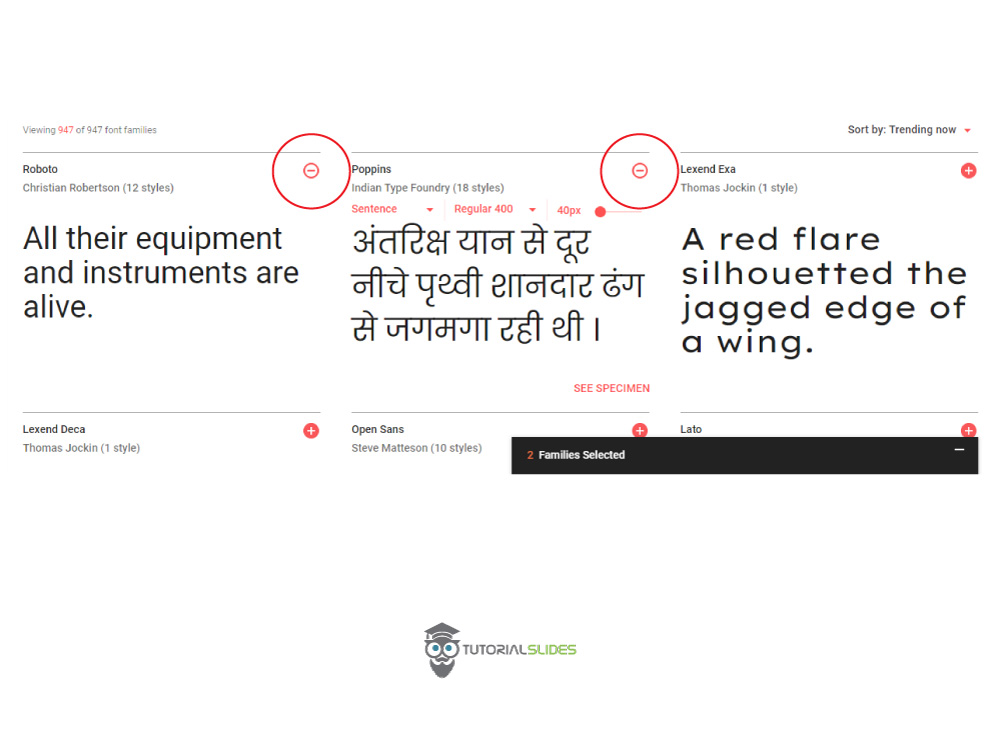
Want to add Multiple Google Fonts on your website?
Just simply select multiple fonts like this.